桌布
guide

The Complete Image Compression Guide

Quality vs file size — pick the right setting for every use case.

作者 Wallpapers.com Editorial · 發佈日期 May 02, 2026 · 更新日期 July 09, 2026

Image compression is a tradeoff: smaller file = faster load = better SEO + happier users, but go too far and your photos look like a 1990s GIF. This guide covers the sweet spots for every situation.

The Complete Image Compression Guide

Lossy vs lossless — start here

Lossy compression throws away data your eyes won't notice. JPG, WebP (lossy mode), AVIF.

Lossless compression rearranges data without throwing any away. PNG, WebP (lossless mode). Bigger files, perfect quality.

Use lossless for logos, screenshots, and anything with sharp edges. Use lossy for photos.

JPG quality settings

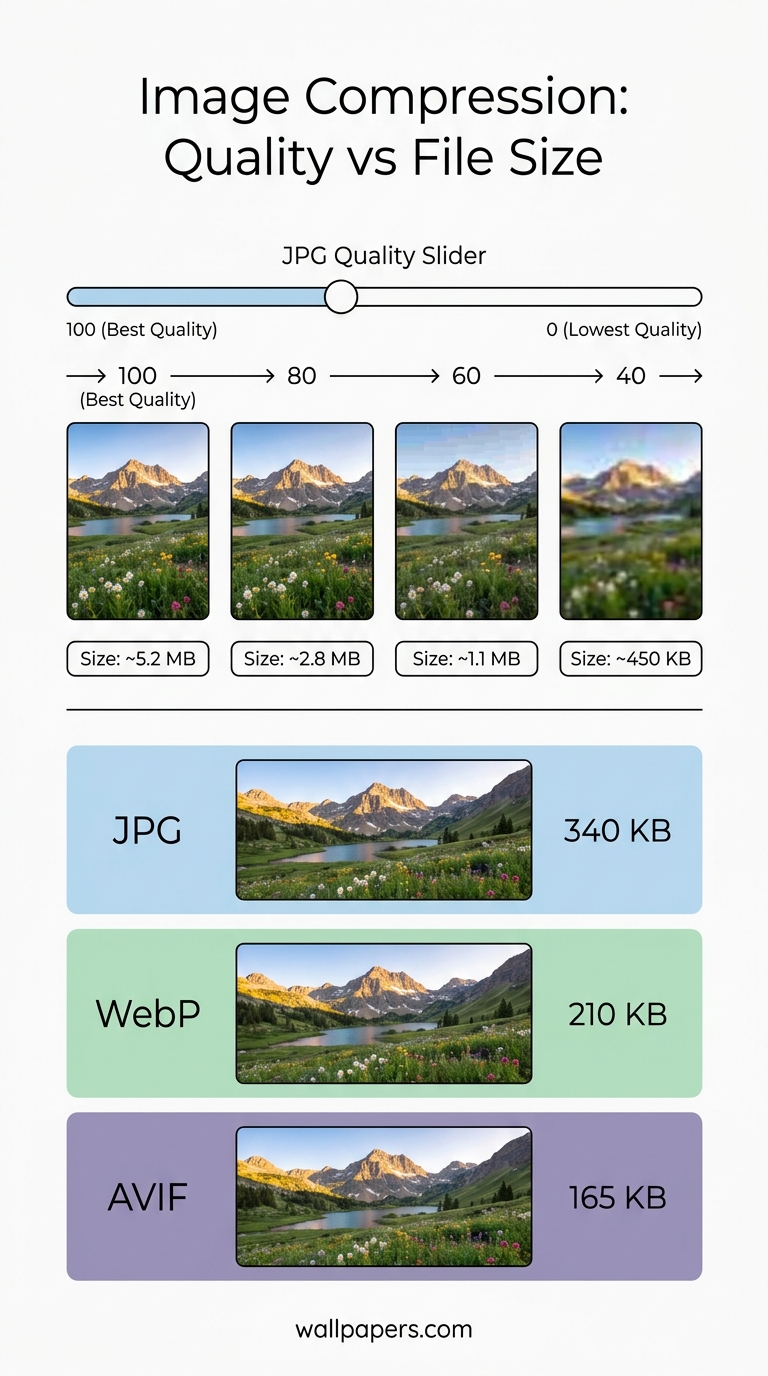
  • 95-100 — visually identical to original. Use only for archival.
  • 80-90 — sweet spot for most photos. Indistinguishable from 100 to 99% of viewers.
  • 70-80 — fine for thumbnails and listing pages.
  • 60-70visible quality loss starts. Use for under-the-fold images only.
  • Below 60 — visible artifacts. Don't.

Try our JPG compressor with a slider to see the quality / size tradeoff live.

WebP and AVIF

WebP at quality 80 typically matches JPG at 90. AVIF at quality 60 typically matches JPG at 90. Both modern formats use perceptual compression that prioritises what humans actually see.

For batch conversion, use bulk processing — convert 200 JPGs to WebP in one job.

Lossless PNG optimization

Even lossless PNGs can shrink 20-50% by stripping unused metadata and re-encoding with better compression. Run any PNG through our PNG compressor to see the saving.

When NOT to compress

  • Print files — keep maximum quality.
  • Source originals you might edit again — compression is destructive.
  • Wallpapers you'll set on a 4K screen — visible artifacts at low quality become very visible at large sizes.

The bigger picture

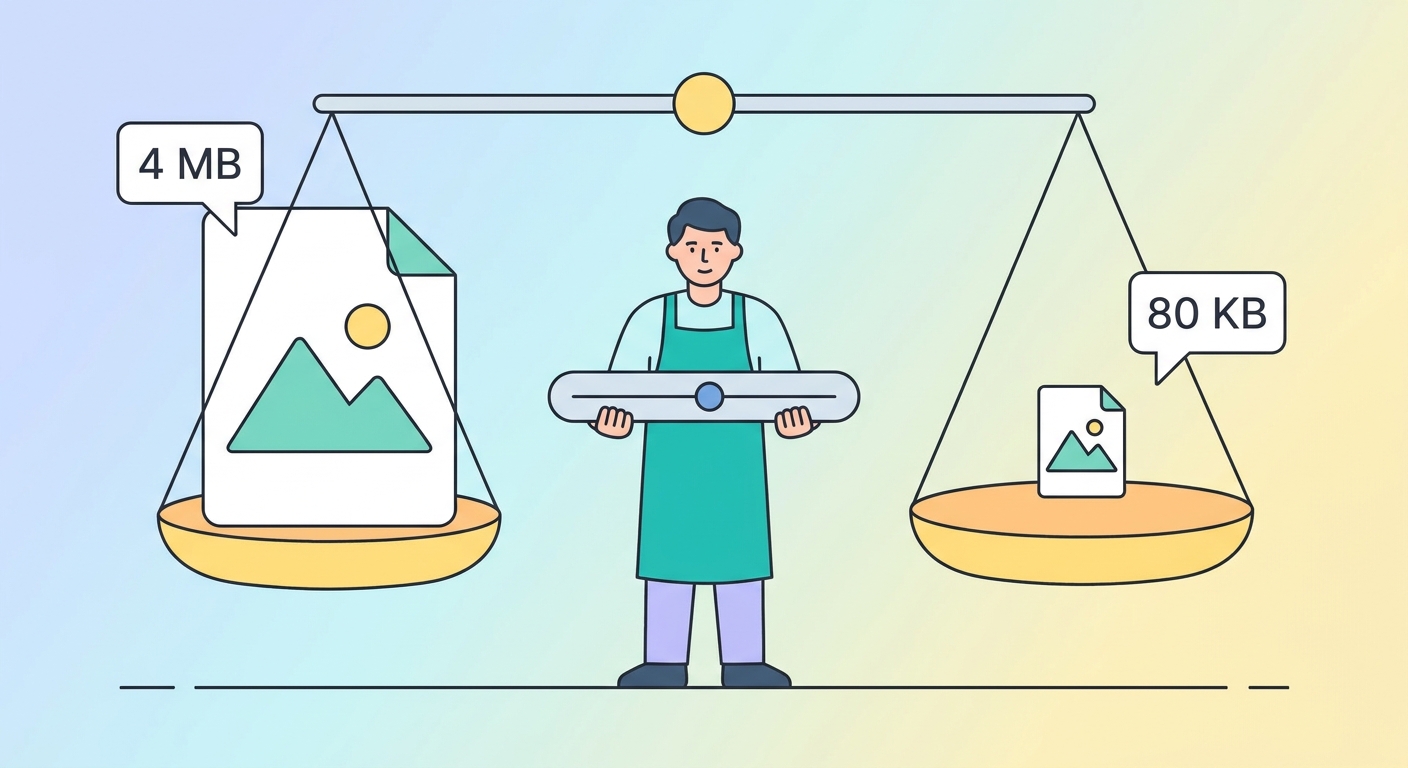
Compression is one piece. Choosing the right format matters more than tweaking quality. Right-sizing the dimensions matters more than both. The combination — right format, right size, right quality — is the difference between a 4 MB hero image and a 80 KB one.

Try our free tools

Most of these guides pair with a hands-on tool you can use right now — no sign-up required for the first run:

Browse the full tool catalog.

分享此指南:
The Complete Image Compression Guide infographic
免費分享 — 請連結回 wallpapers.com