cheat sheet
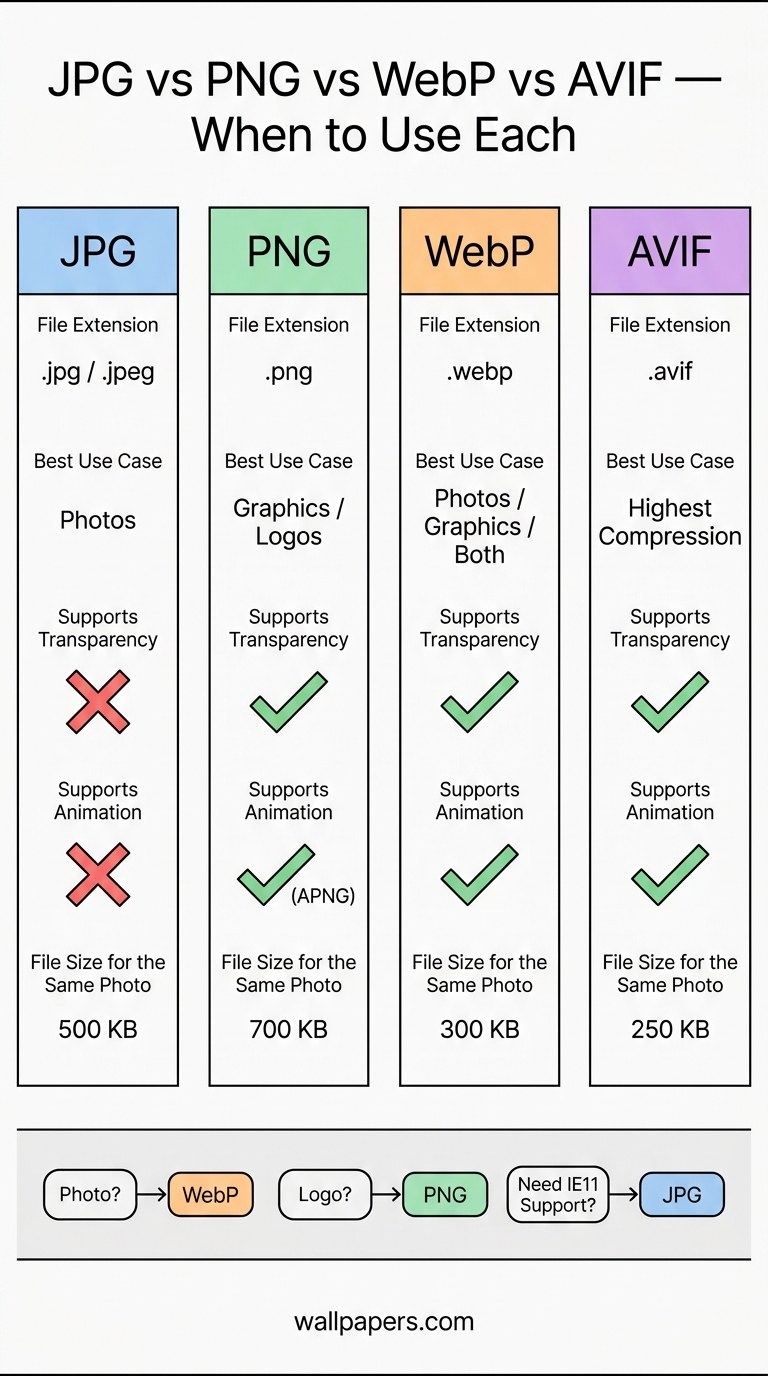
圖像格式速查表 — JPG vs PNG vs WebP vs AVIF
每種格式適用於何時,附檔案大小比較及快速決策樹。
選擇錯誤的圖片格式是你為網站速度所能犯的最便宜的錯誤。AVIF 在相同可見品質下可比 JPG 小 50% —— 但並非所有情況都值得切換。以下是決策樹。
10 秒規則
- 照片,無透明度 → WebP(若你的受眾僅使用現代瀏覽器,則可選 AVIF)。
- 照片,需在各處皆可運作 → JPG。
- 標誌、截圖或圖示 → PNG(或 WebP,以獲得相同無損品質但更小的檔案)。
- 動畫 → WebP(取代 GIF,檔案小 30-50%)。
- 向量圖形(標誌、圖示) → SVG(不在本列表中 —— 當可使用時請使用 SVG)。
完整比較
| 格式 | 最佳適用於 | 壓縮損失 | 透明度 | 動畫 | 瀏覽器支援 |
|---|---|---|---|---|---|
| JPG | 照片,無 Alpha | 是 | 否 | 否 | 100% |
| PNG | 清晰圖形 | 否 | 是 | 否 | 100% |
| WebP | 照片 + 圖形 | 皆可 | 是 | 是 | 97%(2026) |
| AVIF | 最高壓縮 | 皆可 | 是 | 是 | 92%(2026) |
真實檔案大小比較
相同 1920×1080 照片,相同可見品質:
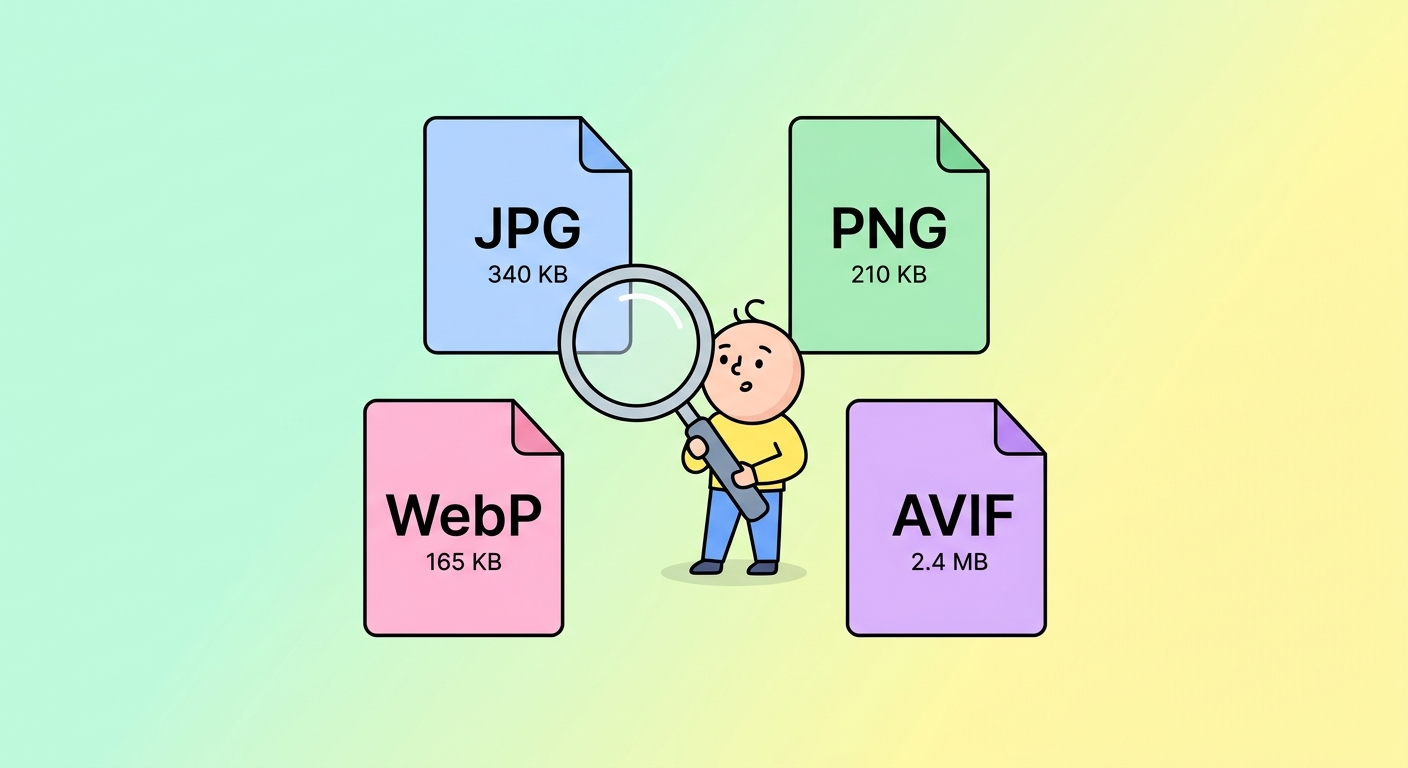
- JPG(品質 80)— 340 KB
- WebP(品質 80)— 210 KB(小 38%)
- AVIF(品質 60)— 165 KB(小 51%)
- PNG(無損)— 2.4 MB(大 7 倍 —— 絕對不要用於照片)
使用我們的免費工具轉換任何圖片:
若要密集壓縮整個圖片庫,請使用我們的 批量處理 模式,一次轉換數百張圖片。
試用我們的免費工具
這些指南大多搭配可立即使用的實作工具 —— 首次使用無需註冊:
- 圖片縮放器 — 精確像素縮小 + 放大。
- 轉換為 WebP — 比 JPG 小 30-50%。
- 背景移除器 — 一鍵裁剪,透明 PNG。
- 圖示生成器 — 從單一來源生成所有瀏覽器尺寸。
- 社群媒體縮放器 — 每個平台的精確尺寸。
- 批量處理 — 一次對最多 200 張圖片套用任何工具。
瀏覽 完整工具目錄。